
01
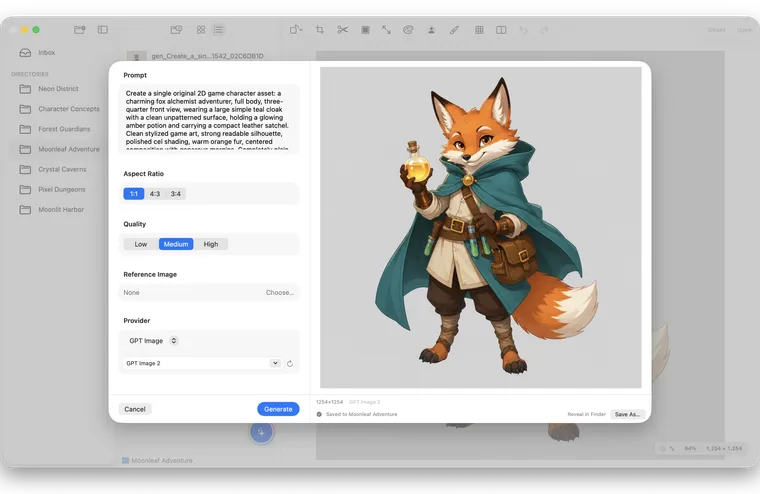
Generate
Run an optional on-device model on Apple silicon, or use a remote Provider you configure.
Generate with on-device or remote models, inpaint only what needs changing, then remove backgrounds, edit pixels, and export—all in one native Mac workspace.
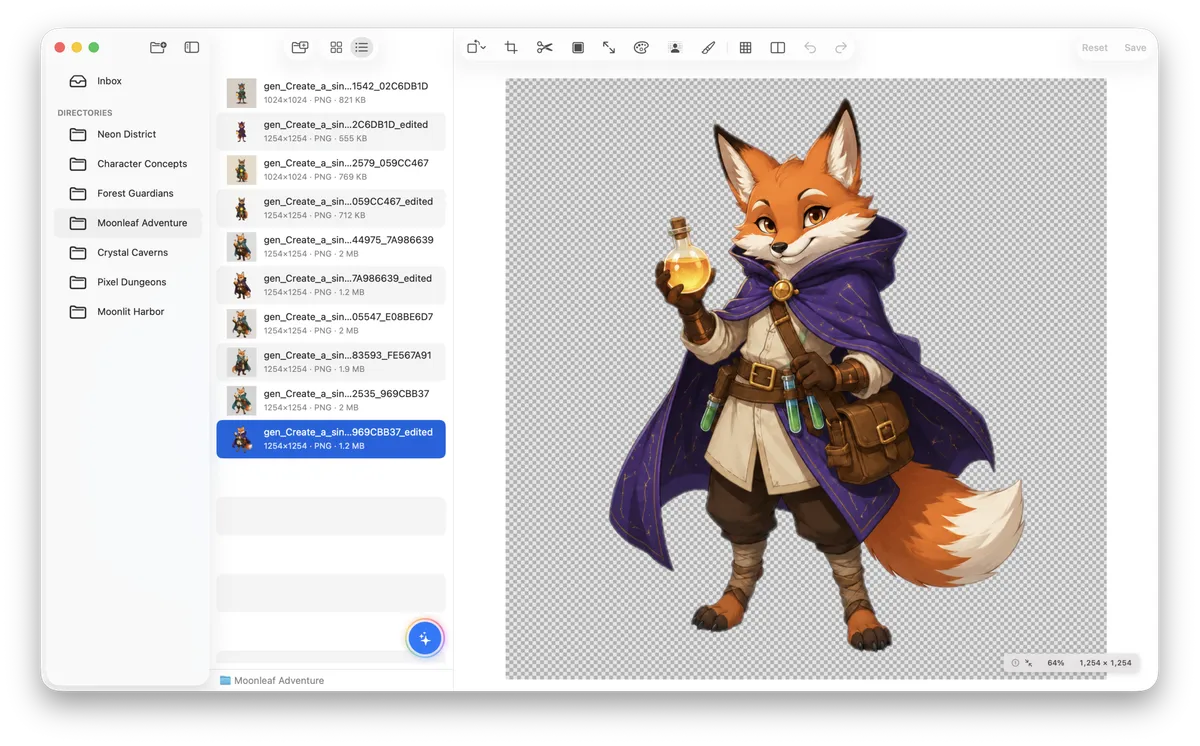
Generate a draft, refine selected areas, and remove the background in one native Mac workspace.
Run an optional on-device model on Apple silicon, or use a remote Provider you configure.
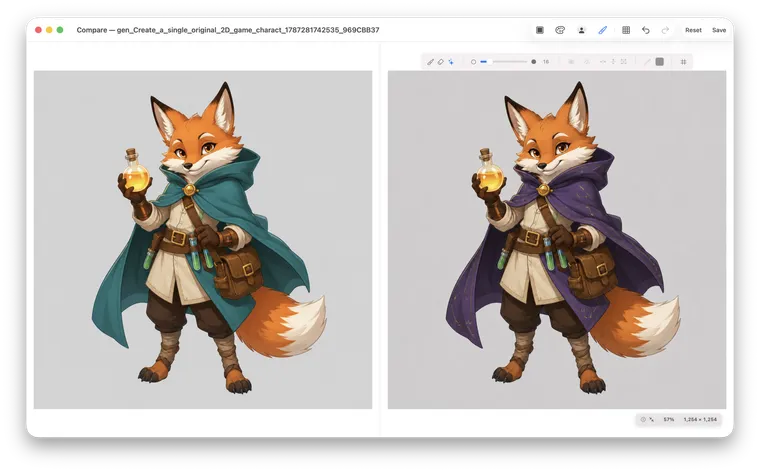
Mask the area that needs work and refine it with a compatible remote model while preserving the rest.
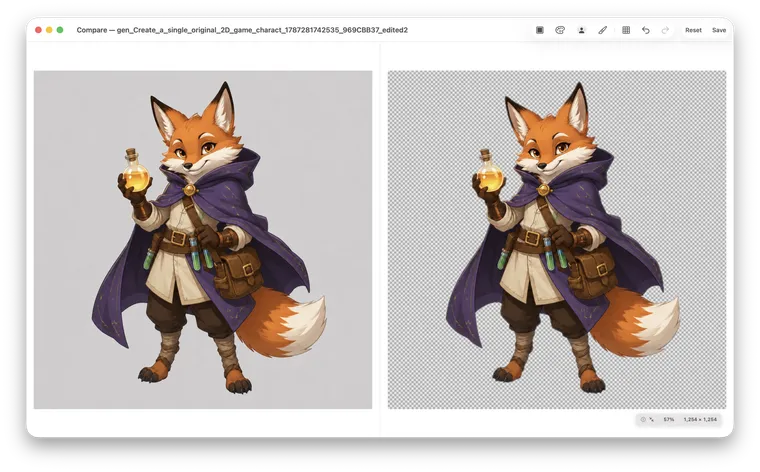
Use Apple Vision on-device, or choose an enabled remote Provider for more complex scenes.
Generation is only the start. SpriteArk also gives you pixel editing, slicing, tile preview, upscaling, and automation tools.
Paint, erase, and correct details on a 1:1 grid so every pixel lands exactly where it should.

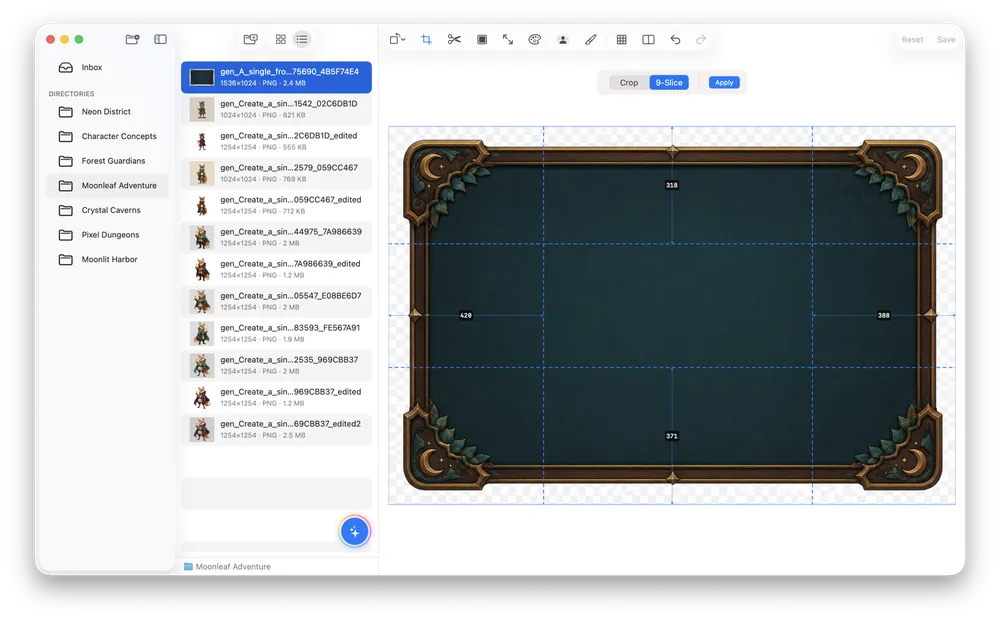
Prepare UI panels, spritesheets, and seamless textures, then preview the result before export.
Core editing runs on your Mac, with files kept in the project folders you choose.
Let compatible AI coding tools call SpriteArk for controlled game-asset automation.
Read the MCP setup guideSpriteArk has no mandatory account or cloud asset library. Core editing runs on your Mac; Apple silicon can run optional downloaded models; remote task inputs go directly to an enabled Provider only when you use it.
A native macOS workbench. Requires macOS 15.0+. Eligible customers can try Pro free for 7 days with a monthly or annual subscription.